
A randomized Great Sea has hundreds of possible item spots. A tracker keeps score for you: what you have found, what you still need, and which locations your current items unlock. Here is how to get real value from one.
What a tracker actually does
Item tracking
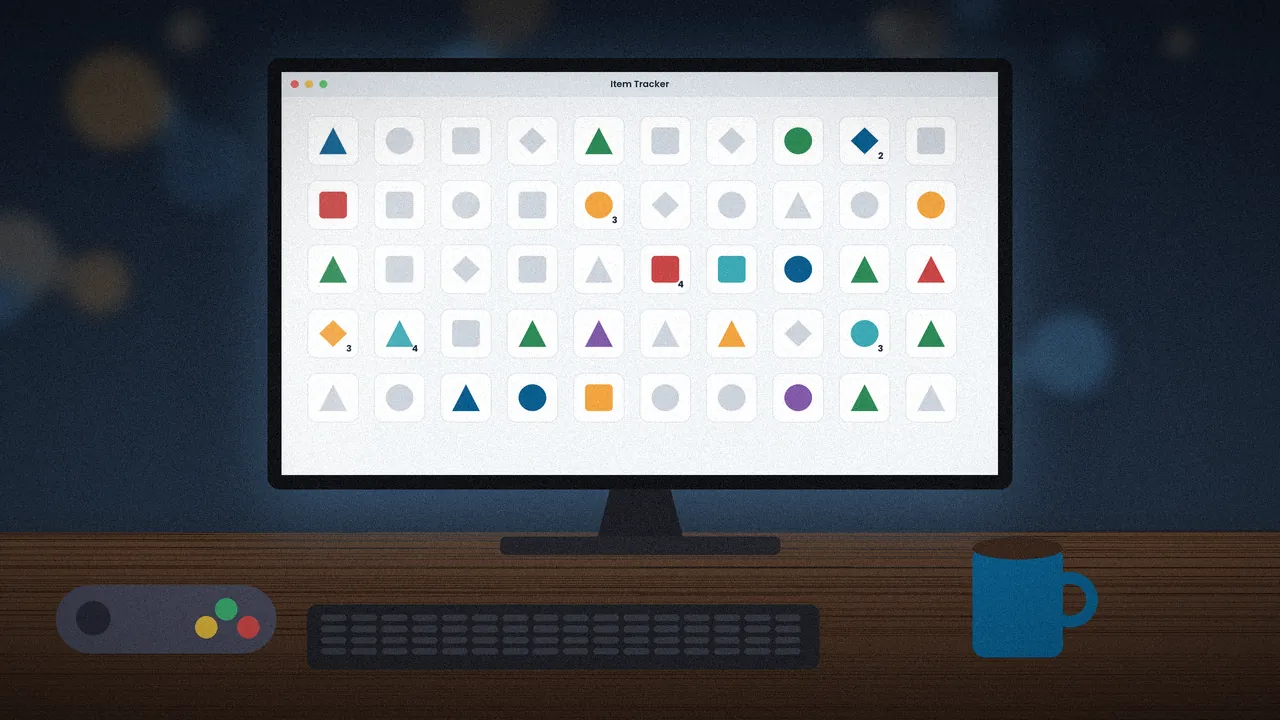
The simplest layer is a grid of items you click as you collect them. It sounds basic, but knowing at a glance that you still lack the Bombs saves a lot of second-guessing.
Location logic
Logic-aware trackers read your settings and mark which checks are reachable with the items you hold. Green means go, grey means locked. This mirrors the same rules the randomizer uses when it guarantees a seed is beatable.
Choosing a tracker
Web-based community tracker
The widely used community web tracker by wooferzfg runs in a browser, understands randomizer settings and saves progress locally. Nothing to install, which makes it the default choice for most players.
Printable or spreadsheet trackers
Some players prefer a simple sheet with every location listed. It lacks automatic logic, but it works offline and can be customised for unusual settings.
Setting it up for your seed
Load your permalink
Paste the permalink from the randomizer into the tracker so it knows which categories are active. If the tracker version does not match the randomizer version, logic may be slightly off, so keep both current.
Enable entrance tracking
If you used dungeon or cave entrance shuffle, turn on entrance tracking and record each door the first time you step through it.
Using it during play
Mark checks as you go
Clear a location as soon as you open it, even when it contains junk. Empty checks are information too, and they narrow down where the key items must be.
Track hints
Fishmen and other hint sources point to regions or items. Note them in the tracker's notes field so you do not sail back to ask twice. Our hints guide explains each hint type.
Tracker tips from long runs
Sort by island, not by item
Planning routes island by island cuts sailing time. Clear everything reachable on one island before moving on.
Screenshot at breaks
Browser storage can be cleared by accident. A quick screenshot or export when you pause protects a multi-session run. For layout and settings help, see the settings guide.
Common tracker mistakes
Mismatched settings
The most frequent problem is loading a tracker with different settings from the seed. If the tracker says a location is available but the item makes no sense, confirm that the progression categories and entrance options match your permalink exactly.
Forgetting progressive items
Swords, bows, wallets and bomb bags can be progressive, meaning each copy upgrades the last. Click the item again for each upgrade so the tracker knows your true power level, otherwise it may hide checks you can already reach.
Ignoring small keys
With key-related options enabled, small keys and big keys matter for logic. Tracking them prevents wasted trips into dungeons you cannot finish yet.
Tracker questions
Is a tracker allowed in races?
In most community races, trackers are allowed and widely used because they only record what the player already knows. Always check your race's rules, as some events have specific restrictions on auto-tracking tools.
Do I need a tracker for my first seed?
It is not required, but it helps a lot. Even a simple item grid removes the stress of remembering what you have. If you prefer paper, list islands down the side and tick checks as you go. For your very first run, pair a tracker with the beginner preset from the settings guide.