
The settings window looks intimidating the first time, but most of it answers one question: where are important items allowed to appear? Once you understand that, the rest falls into place. Here is a plain-language tour, followed by presets for short, standard and long runs.
Progression locations explained
Progression items are the ones you need to finish the game, like the Hookshot or Deku Leaf. Each checkbox in the first tab lets or stops those items from being placed in a category of locations.
Categories worth keeping on
Dungeons, Great Fairies, Puzzle Secret Caves and Free Gifts give a classic Wind Waker feel without sending you on hour-long errands. They are quick to check and spread items evenly across the map.
Categories that lengthen a run
Long Sidequests, Sunken Treasure, Expensive Purchases and Tingle Chests can add a lot of sailing and rupee farming. They are great when you want a marathon, but first-time players usually enjoy the game more with them turned off.
Sword modes and difficulty
Start with Hero's Sword
The friendliest option. You begin armed, so early combat caves and bosses are never a wall.
No Starting Sword and Swordless
With no starting sword, your swords are shuffled into the item pool like anything else. Swordless removes them entirely, and the logic accounts for that, for example by letting you beat certain enemies with other tools. Save Swordless for when you know the game well.
Entrance and chart randomization
Dungeon and secret cave entrances
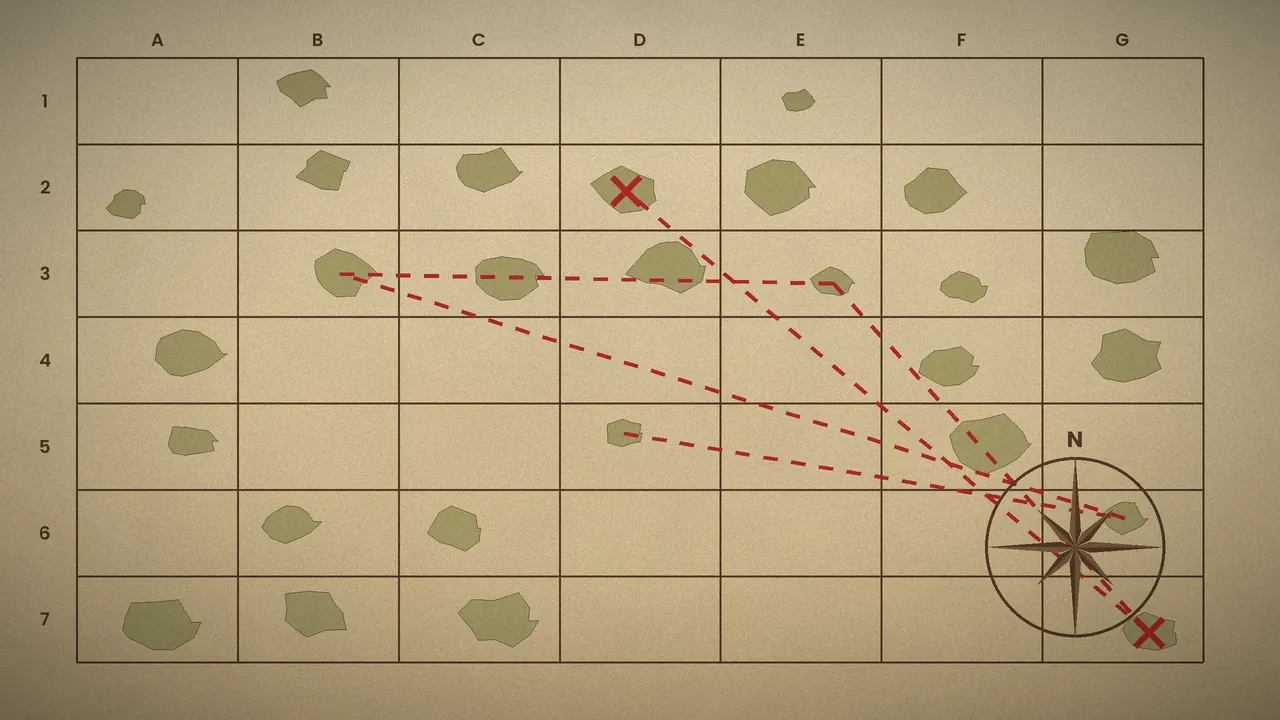
Entrance shuffle changes which dungeon or cave sits behind each door. It adds a layer of exploration because you cannot assume Dragon Roost Island leads to Dragon Roost Cavern. Mixing dungeon and cave entrances together is the hardest version.
Randomized charts and starting island
Randomizing charts changes which sunken treasure each Triforce or Treasure Chart points to. A random starting island drops you somewhere other than Outset, which instantly makes early routing feel fresh.
Convenience tweaks
Swift Sail and instant text
Swift Sail makes the ship faster and removes the need to keep changing the wind. Instant text boxes cut dialogue waiting. Both are among the most popular quality-of-life settings in the community.
Starting items and shards
You can begin with specific items and choose how many Triforce Shards you already own. Starting with several shards is a simple way to shorten the endgame hunt.
Three presets to copy
| Preset | Main choices | Typical length |
|---|---|---|
| Short and friendly | Dungeons, Great Fairies, Free Gifts, Hero's Sword, Swift Sail, several starting shards | 2 to 3 hours |
| Standard | Add Puzzle and Combat Secret Caves, Short Sidequests, Mail, chart randomization | 3 to 5 hours |
| Explorer | Add dungeon entrance shuffle, Long Sidequests, Sunken Treasure, No Starting Sword | 5+ hours |
Once you have a setup you like, share the permalink so friends can generate the same settings. For racing-specific options, read our race mode and hints guide.
Settings questions
Which settings do most players use?
Community favourites include Swift Sail, instant text, dungeons plus secret caves as progression, and a few starting Triforce Shards. That mix keeps runs around three to five hours and avoids the slowest sidequests. Start there and adjust one or two categories at a time so you can feel the difference each change makes.
Do disabled categories still contain items?
Yes. Locations you do not select only hold unimportant items such as rupees, heart pieces or capacity upgrades. You can skip them completely, or check them for optional goodies if you enjoy exploring. They will never contain something you need to finish the game.
Can I change settings in the middle of a seed?
No. Settings are baked into the ISO when it is generated. If you want a different setup, generate a new seed. This is also why sharing the permalink matters when playing with friends: it guarantees everyone runs identical rules.
Key takeaways
Most of the settings window controls one thing: where important items may appear. Fewer categories mean shorter, more focused runs; more categories mean longer, broader exploration. Add difficulty through sword modes and entrance shuffle once the basics feel comfortable, and lean on convenience tweaks like Swift Sail from day one. When you are ready to track your progress, read the tracker guide.